LOGO
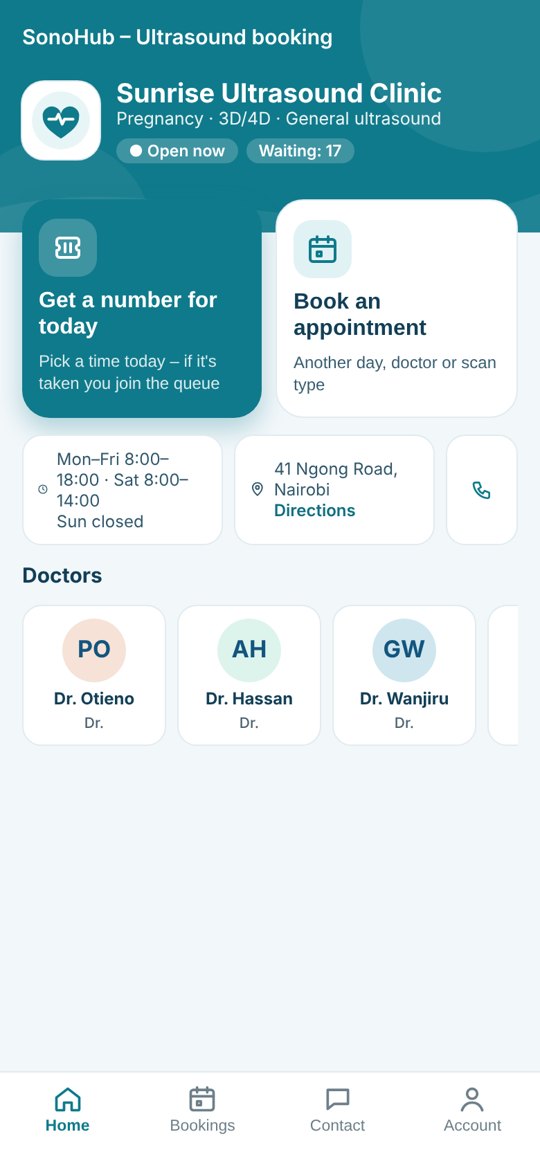
Your clinic
Book your scan and wait on your phone
1
Scan the QR codeOr type book.sonohub.org/your-code in your browser.
2
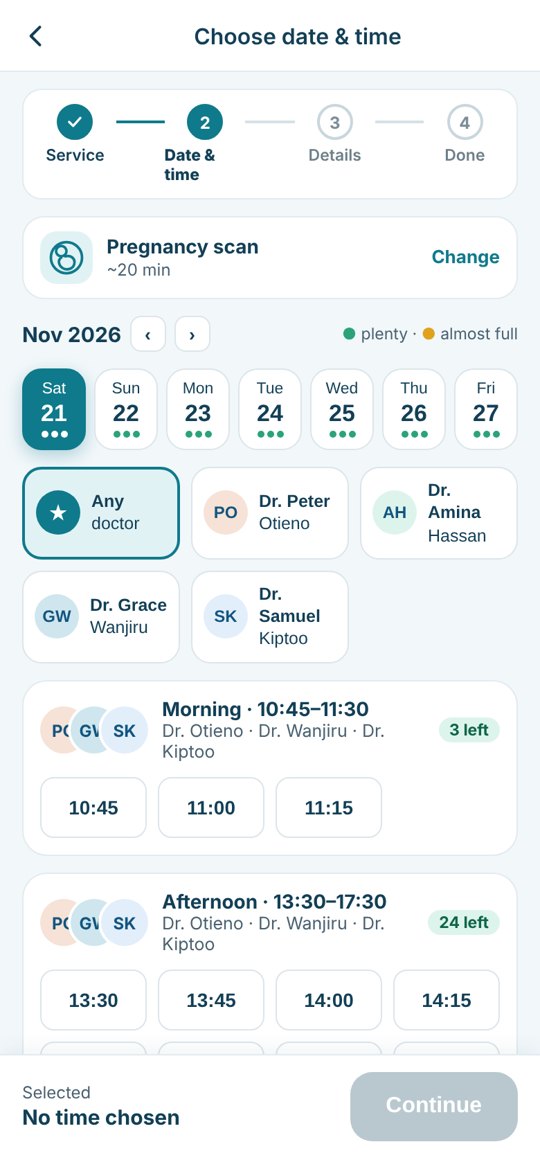
Book a time or take a numberPick a scan, a day and a time – or get a number for today.
3
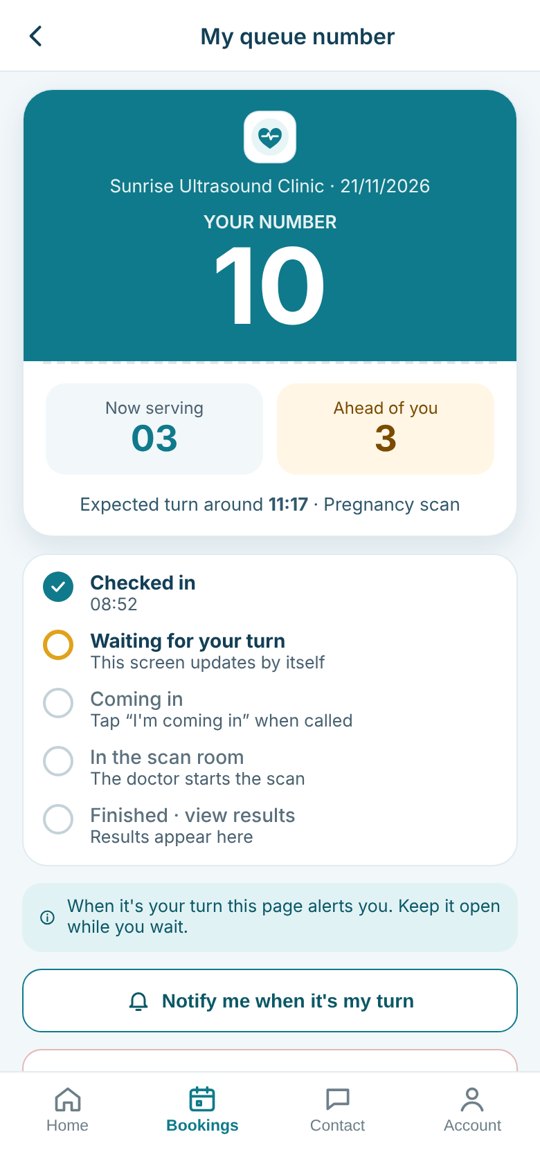
Wait where you likeYour number and how many people are ahead update by themselves.
Turn on notifications – for your turn and your results
Add the page to your home screen once and tap Allow. You'll be told when it's your turn and when your results are ready. No app store, nothing to pay.
Android · Chrome
- Tap the menu ⋮ at the top right.
- Tap Install app (or Add to Home screen).
- Open SonoHub from your home screen, then tap Notify me of my turn and my results and Allow.
iPhone · Safari
- Tap Share (square with an arrow) at the bottom.
- Tap Add to Home Screen, then Add.
- Open SonoHub from your home screen, then tap Notify me of my turn and my results and Allow. Needs iOS 16.4 or newer.
 Tapped Block by mistake? Android: Chrome ⋮ › Settings › Site settings › Notifications. iPhone: Settings › Notifications › SonoHub.